


What Is RoboForm?
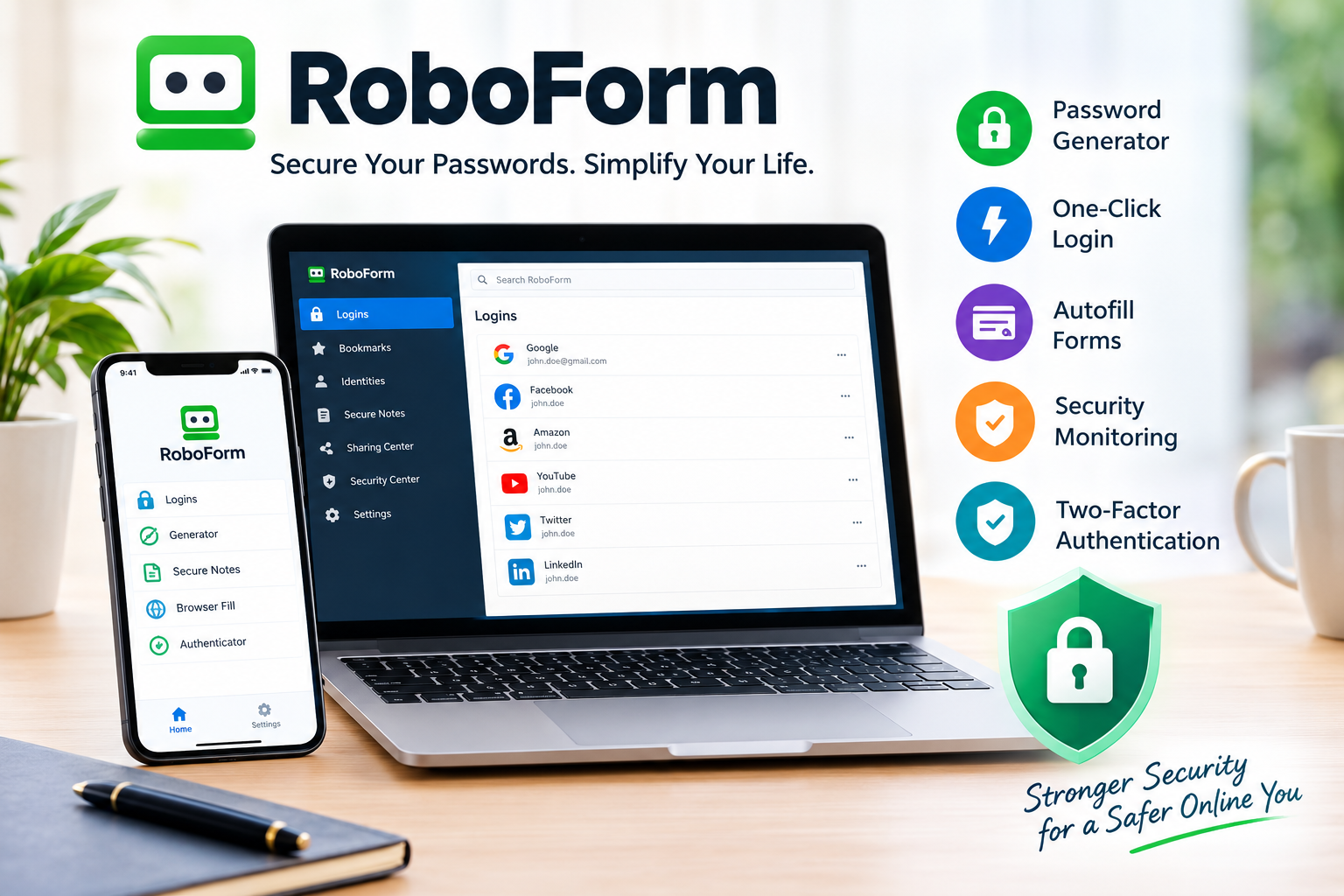
RoboForm is a password manager designed to make online security easier while reducing the need to remember multiple passwords. It can securely store login credentials, generate strong passwords, automatically fill forms, and help users access their accounts with fewer steps. RoboForm has been available since 2000 and is developed by Siber Systems.
For people who use many websites and online services, having a dedicated password manager can make managing digital accounts more convenient.
Key RoboForm Features
RoboForm combines password management with several security and productivity tools.
Password Generator
RoboForm can create strong, unique passwords for different websites. Using unique passwords can reduce the risk of one compromised account affecting other accounts.
One-Click Login
Instead of repeatedly typing usernames and passwords, RoboForm can automatically fill login information and help users sign in quickly. It can also remember new passwords as accounts are created.
Autofill for Online Forms
RoboForm is not limited to passwords. It can save information used for online forms and help fill addresses and payment information when shopping online.
Password Security Monitoring
RoboForm includes security tools that can identify compromised passwords and monitor certain email addresses for data breaches. This can help users identify accounts that may need additional protection.
Two-Factor Authentication
RoboForm supports multiple two-factor authentication options, including authenticator applications, email or SMS verification, and newer authentication methods such as passkeys and hardware security keys.
Is RoboForm Secure?
Security is one of the most important considerations when choosing a password manager. RoboForm states that it uses AES-256 encryption and a zero-knowledge architecture. According to the company, encryption and decryption are performed locally, and RoboForm does not have access to users’ Master Passwords.
Users should still protect their Master Password carefully and enable additional security features such as two-factor authentication where appropriate.
RoboForm Pricing
RoboForm offers several plans designed for different types of users.
- Free: Unlimited passwords on one device.
- Premium: Adds access across devices, web access, secure sharing, Emergency Access, and additional features.
- Family: Provides Premium accounts for up to five family members.
- Business: Includes centralized administration, password sharing, security policies, role-based access controls, SSO, and reporting.
Pricing and promotional offers can change, so users should check the official RoboForm website before purchasing.
Who Should Use RoboForm?
RoboForm may be a good choice for:
- People managing many online accounts
- Users who want stronger, unique passwords
- Families sharing selected credentials securely
- Professionals who need password management across devices
- Businesses that need centralized password administration
- Users who want automatic form filling as well as password storage
It may be less appealing to someone who only has a few online accounts and does not need dedicated password-management features.
RoboForm Pros and Cons
| Pros | Cons |
|---|---|
| Strong password generation | Some advanced features require a paid plan |
| One-click login and autofill | Users must protect their Master Password |
| AES-256 encryption | Free plan is limited to one device |
| Cross-device options with Premium | May offer more features than casual users need |
| Password security monitoring | Pricing can vary with promotions |
RoboForm vs. Other Password Managers
RoboForm competes with other well-known password managers such as 1Password, Bitwarden, and Dashlane. The right option depends on what matters most to you.
RoboForm stands out particularly for its combination of password management and extensive form-filling capabilities. It also provides free and paid options, allowing users to start without immediately purchasing a subscription.
Frequently Asked Questions
Is RoboForm free?
Yes. RoboForm offers a free plan with unlimited password storage on one device. Premium plans provide additional capabilities, including access across multiple devices.
Can RoboForm generate strong passwords?
Yes. RoboForm includes a password generator that can create strong and unique passwords for online accounts.
Does RoboForm work on mobile devices?
Yes. RoboForm provides mobile applications with features such as password autofill, password generation, secure storage, and two-factor authentication.
Can I import my existing passwords?
Yes. RoboForm supports importing passwords from major browsers, password managers, and CSV files.
Final Verdict
RoboForm is a practical password manager for users who want to simplify password storage, improve account security, and save time when logging into websites or completing online forms. Its password generator, autofill tools, security monitoring, encryption, and authentication options make it suitable for individuals, families, and businesses.
The free plan is a useful starting point, while Premium and Family plans offer more flexibility for users who need access across multiple devices. Before choosing a plan, compare the current features and pricing with your own security and password-management needs.