


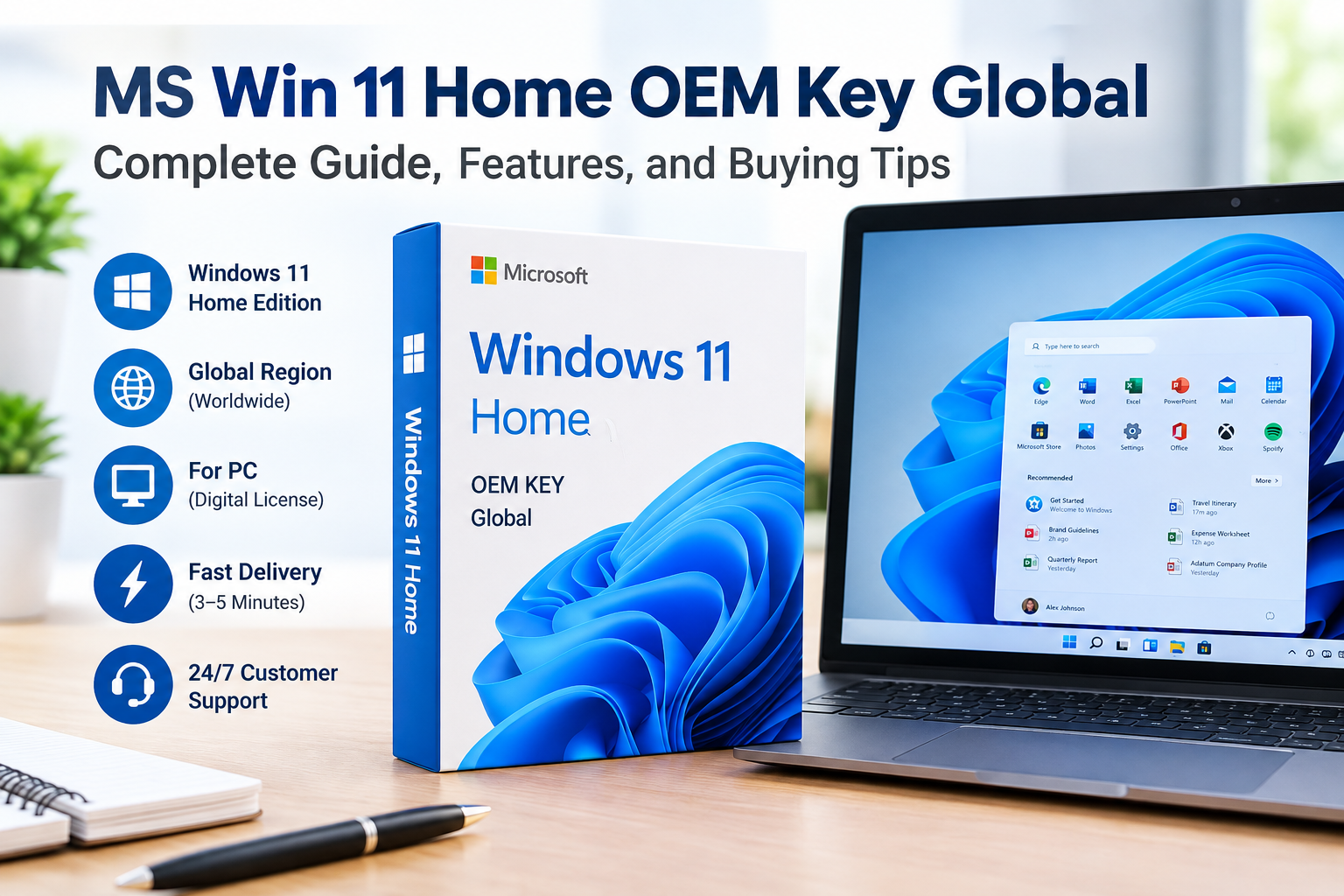
If you are looking for a convenient way to activate Windows on a compatible PC, the MS Win 11 Home OEM Key Global listed by Whokeys may be an option to consider. The product is presented as a digital Windows 11 Home key for PC, with global regional coverage and digital delivery.
Before purchasing any digital software key, however, it is important to understand the product edition, activation requirements, delivery process, and refund or replacement policies.
What Is the MS Win 11 Home OEM Key Global?
The MS Win 11 Home OEM Key Global is listed as a Windows 11 Home product key for PC. Whokeys identifies the product region as Global and states that the key is delivered digitally. The product page currently lists an estimated delivery time of approximately 3–5 minutes.
Windows 11 provides a modern desktop environment with features designed around productivity, multitasking, and personalization. Microsoft’s operating system also includes features such as Snap layouts and multiple desktops, which can help users organize different applications and workflows.
Key Features
The main points highlighted on the Whokeys product page include:
- Windows 11 Home activation key
- Global region
- PC platform
- Digital delivery
- Delivery stated as approximately 3–5 minutes
- Customer support available around the clock
- Key access through the customer’s Whokeys account
The Whokeys website also sells other Windows and Office products, along with software tools, games, and digital products.
How Does Digital Delivery Work?
According to the product page, the purchased key is automatically delivered within approximately 3–5 minutes. Customers can find purchased keys by logging into their Whokeys account and navigating to the orders section.
This can be useful if you need a digital key without waiting for physical delivery.
Activation and Compatibility
One important consideration is compatibility. The product page explains that activation problems can occur when the Windows edition installed on a computer does not match the purchased key.
For example, a Windows Pro key should not be expected to activate Windows Home. The page specifically advises users to make sure their installed Windows edition matches the key they purchase.
It is also important to check that your PC meets the minimum hardware requirements for Windows 11 before purchasing. The seller recommends checking device compatibility first.
Who Might Consider It?
The MS Win 11 Home OEM Key Global may be relevant to:
- PC users installing or activating Windows 11 Home
- People building or setting up a compatible PC
- Users looking for a digital activation key
- Buyers who prefer digital delivery rather than physical software packaging
However, users who specifically need Windows 11 Pro features should check the edition carefully before ordering.
Pros and Cons
Pros
- Digital delivery
- Global region listed
- Windows 11 Home edition clearly identified
- Key can be accessed through the Whokeys account
- Customer support is advertised as available 24/7
Cons
- Compatibility must be checked before purchase
- It is specifically listed as Windows 11 Home, not Pro
- Buyers should review the seller’s current return and replacement conditions
- Product prices and promotions can change
What If the Key Does Not Activate?
Whokeys says that activation failures can have several causes, including incompatibility between the Windows version installed and the purchased key. The company advises customers to contact its 24/7 customer service if the issue continues.
The product page also states that customers should activate the license within 180 days of purchase and that free key replacement is available within that period for qualifying problems.
For refunds or exchanges, Whokeys asks customers to provide information such as the order number and relevant screenshots.
Final Thoughts
The MS Win 11 Home OEM Key Global is a digital Windows 11 Home activation product listed by Whokeys for PC users. Its main selling points are digital delivery, global availability, and access to customer support.
Before buying, make sure your computer is compatible with Windows 11 and that you specifically need the Home edition. Also review the current product price, activation instructions, and seller policies because these details can change over time.
For buyers who have confirmed that Windows 11 Home is the correct edition for their computer, the product page provides the relevant purchasing and activation information in one place.
[…] is another important part of the platform. MS Win 11 Home OEM Key Global: What You Need to Know – Esmorafinds lists anti-DDoS protection, an Intrusion Prevention System (IPS), Web Application Firewall (WAF), […]