

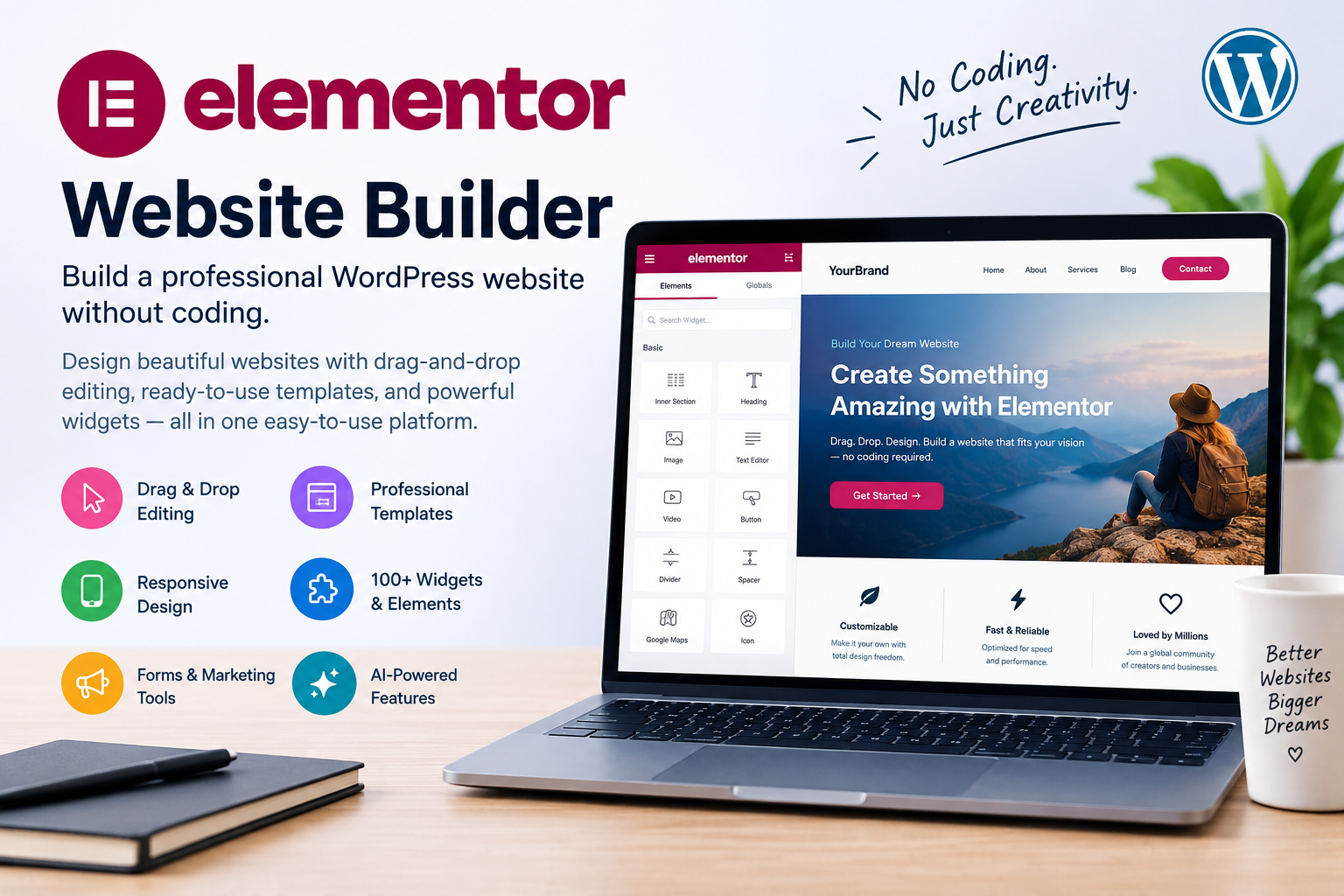
Creating a professional website can feel complicated if you do not have coding experience. The Elementor website builder provides a visual way to design WordPress websites using drag-and-drop editing, templates, widgets, and responsive design controls. (Elementor)
Whether you are building a personal blog, business website, portfolio, landing page, or online store, Elementor can help you create and customize pages directly inside WordPress.
What Is Elementor?
Elementor is a visual website builder designed for WordPress. Instead of writing code for every design change, you can select elements, place them on a page, and adjust their appearance through the editor.
The platform offers more than 100 widgets for areas such as text, images, buttons, forms, marketing elements, and eCommerce. (Elementor)
Its free version also provides 40+ widgets and 30+ templates, allowing beginners to start building without immediately purchasing a paid plan. (Elementor)
Key Features of the Elementor Website Builder
1. Drag-and-Drop Editing
Elementor lets you visually move and customize website elements. This can make basic page design easier for people who are not comfortable with HTML or CSS.
2. Professional Templates
Instead of starting with a blank page, users can begin with pre-designed templates and customize the text, images, colors, and layout to match their brand. (Elementor)
3. Responsive Design
A website needs to work well on phones, tablets, and computers. Elementor includes responsive controls that let you adjust layouts and styling for different screen sizes. (Elementor)
4. Theme Builder
The Theme Builder can be used to visually customize important areas such as headers, footers, posts, archives, and other site-wide templates. (Elementor)
5. Forms and Marketing Tools
Depending on the plan, Elementor provides tools for forms, popups, and other marketing-focused website elements. These can be useful for collecting leads and encouraging visitors to take action. (Elementor)
6. AI Features
Some Elementor plans include AI-powered capabilities for generating text, images, layouts, and code. Elementor One also uses a shared credit system for supported AI and optimization features. (Elementor)
Elementor Pricing
Elementor currently offers a free website builder as well as several paid plans. The free option includes basic widgets and templates, while paid plans add features such as advanced design controls, popups, custom code, eCommerce capabilities, and additional professional tools. (Elementor)
Pricing can change, and some plans are billed annually, so it is best to check the official pricing page before purchasing.
Who Is Elementor Best For?
The Elementor website builder can be useful for:
- Bloggers and content creators
- Small businesses
- Freelancers
- Website designers
- Agencies
- Online stores
- Entrepreneurs
- People building their first WordPress website
It is particularly useful if you want visual control over your website without having to code every design element manually.
Pros and Cons
Pros
- Easy visual editing
- Drag-and-drop interface
- Free version available
- Large selection of widgets and templates
- Responsive design controls
- Advanced options for professional websites
- Supports eCommerce design
Cons
- Advanced features require paid plans
- New users may need time to learn all the available options
- Pricing varies by plan and billing period
Final Thoughts
The Elementor website builder offers a flexible way to create WordPress websites without requiring advanced coding skills. Its combination of visual editing, templates, responsive controls, widgets, and professional features makes it suitable for everything from simple blogs to business and eCommerce websites. (Elementor)
If you want to explore Elementor, you can start with its free website builder and upgrade when you need additional functionality. Always review the current features and pricing on the official Elementor website before making a purchase. (Elementor)
Explore Elementor Website Builder
SEO Title: Elementor Website Builder: Features & Guide
Meta Description: Discover the Elementor website builder, its key features, templates, pricing options, and how it can help you create a professional WordPress website.
Available next action: Create a downloadable DOCX file here in this chat containing the editable prose above