


 What Is CapCut?
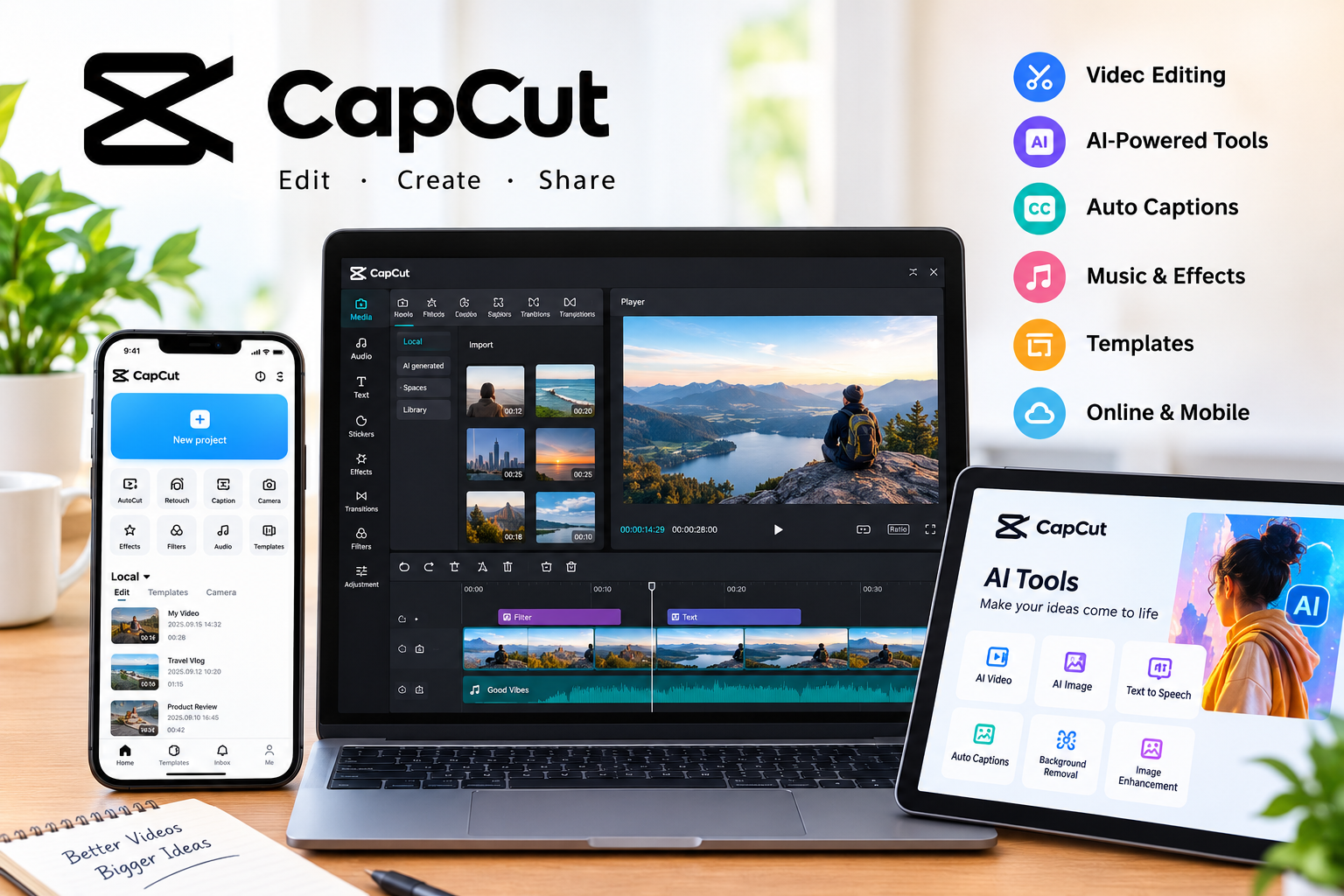
CapCut is a video and photo editing platform designed for creators, marketers, businesses, and everyday users. It provides tools for editing videos, adding text and captions, improving visuals, creating effects, and producing content for platforms such as YouTube, Instagram, and TikTok.
CapCut is available through different experiences, including online, desktop, mobile, and tablet versions. This makes it useful for people who want to edit content across different devices.
Key CapCut Features
Video Editing Tools
CapCut provides practical editing features such as trimming, splitting, cropping, resizing, transitions, filters, color correction, and background removal. These tools can help beginners create polished videos without requiring advanced editing knowledge.
AI-Powered Editing
One of the main strengths of CapCut is its growing collection of AI tools. Depending on the feature and availability, creators can use AI for video generation, image generation, automatic captions, text-to-speech, and other editing tasks.
Auto Captions
Captions can make videos easier to understand, especially when viewers watch without sound. CapCut offers automatic caption generation, helping creators reduce the amount of manual transcription required.
Templates, Music, and Effects
CapCut also provides templates, stock content, music, sound effects, filters, and other creative resources. These options can help users produce social-media content more quickly.
Who Should Use CapCut?
CapCut can be a good option for:
- TikTok and Instagram creators
- YouTube content creators
- Beginners learning video editing
- Small businesses creating promotional videos
- Social media marketers
- Bloggers and digital content creators
- Users who want quick AI-assisted editing
It can be especially useful when speed and simplicity are more important than having a highly specialized professional editing workflow.
Pros and Cons
Pros
- Beginner-friendly editing workflow
- Wide range of video editing tools
- AI-powered creative features
- Automatic captions
- Templates and creative assets
- Online and device-based editing options
- Useful for social-media content
Cons
- Some advanced features may require additional access or paid options
- The large number of tools can take time to learn
- Feature availability can vary by platform or region
Is CapCut Worth Using?
For creators who regularly produce short-form videos, social posts, tutorials, advertisements, or other digital content, CapCut offers a broad set of tools in one platform.
Its combination of traditional editing features and AI-powered tools makes it suitable for both beginners and creators who want to speed up their workflow. CapCut’s official platform currently highlights AI video generation, AI image generation, text-to-speech, background removal, image enhancement, and other creative tools.
However, users should choose features based on their specific needs rather than assuming every tool is necessary. For simple projects, basic trimming, captions, audio, and transitions may be enough.
Final Verdict
CapCut is a versatile choice for people who want an accessible way to create and edit digital videos. Its combination of editing tools, templates, captions, creative effects, and AI features can help users move from raw footage to finished content more efficiently.
If you create videos for social media, YouTube, marketing, or personal projects, CapCut is worth exploring to see whether its workflow matches your needs.