


Introduction
Protecting important digital files is essential for individuals, professionals, and businesses. Losing documents, photos, or other important data because of a computer problem can be frustrating and expensive. This is where reliable backup and disk management software becomes useful.
AOMEI Software offers a collection of tools designed to help users protect their data, manage storage devices, clone hard drives, and recover lost files. Its products are developed for different needs, from personal computer maintenance to business data protection.
But is AOMEI worth considering? Let’s explore its main features, benefits, pricing, and potential limitations.
What Is AOMEI Software?
AOMEI is a software company that provides data protection, backup, disk management, and recovery solutions. Its products support different devices and operating environments, including Windows computers, servers, Mac devices, and iPhones.
The platform offers several specialized applications, allowing users to choose software based on their requirements.
Some of its popular products include:
- AOMEI Backupper: Creates backups of files, disks, partitions, and operating systems.
- AOMEI Partition Assistant: Helps manage hard drive partitions and optimize disk storage.
- AOMEI Cyber Backup: Provides centralized backup solutions for businesses.
- AOMEI FoneBackup: Helps transfer and back up iPhone data.
- AOMEI FastRecovery: Helps recover deleted or lost files.
- AOMEI Cloner: Provides disk and system cloning functionality.
Main Features of AOMEI Software
1. Data Backup and Protection
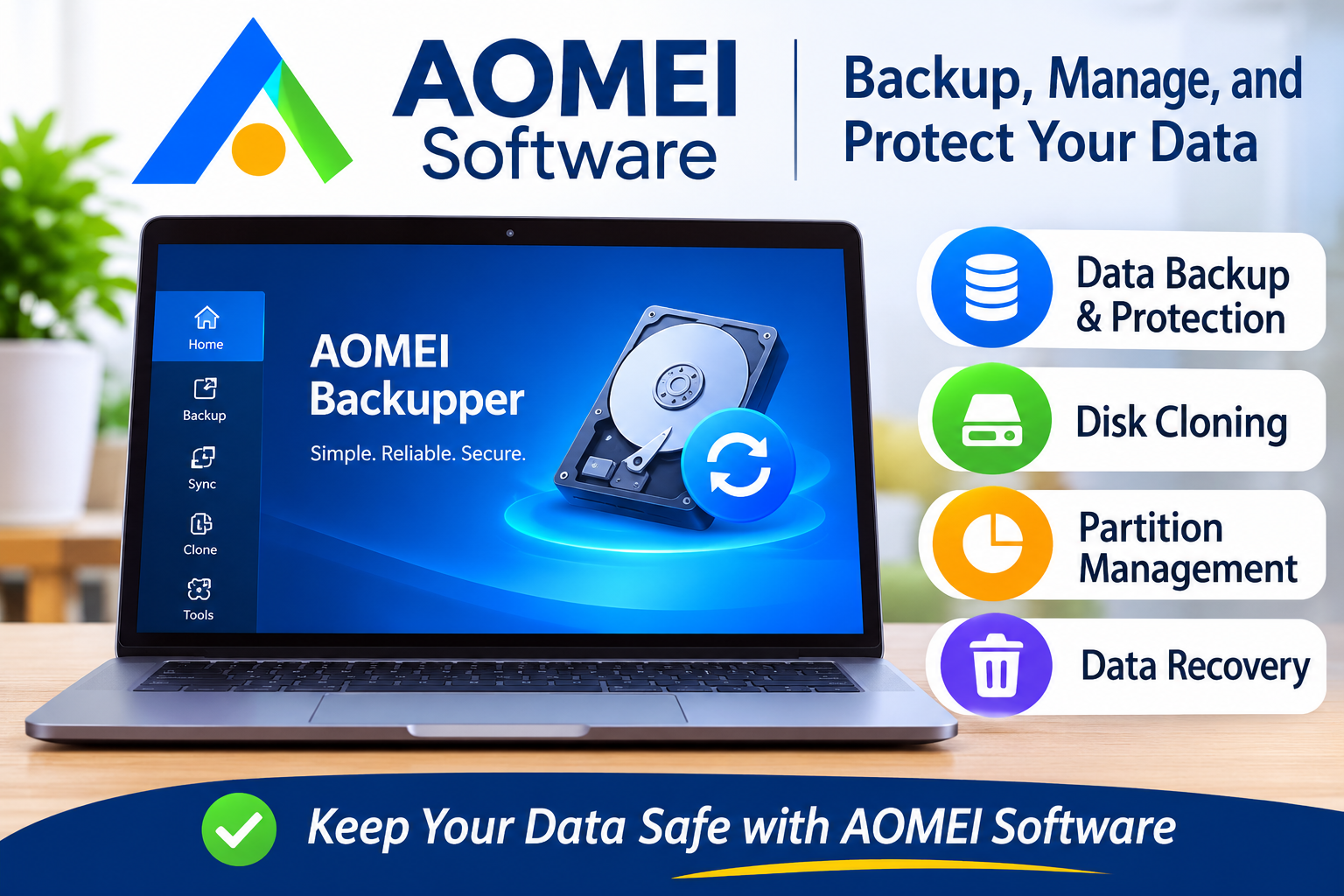
AOMEI Backupper is one of the platform’s main products. It allows users to create backups of important files, entire disks, partitions, and Windows systems.
This can be useful when upgrading a computer, preparing for unexpected system problems, or protecting personal documents.
2. Disk Cloning
Disk cloning is helpful when moving from an older hard drive to a faster SSD. AOMEI offers cloning tools designed to transfer operating systems and data between storage devices.
This can make computer upgrades easier without requiring users to reinstall everything manually.
3. Partition Management
AOMEI Partition Assistant provides tools for managing disk space. Users can resize, move, merge, and create partitions depending on the edition they choose.
These features can help organize storage and make better use of available disk space.
4. Data Recovery
Accidental deletion and storage problems can result in lost files. AOMEI FastRecovery is designed to help users recover deleted or inaccessible files from supported storage devices.
However, recovery results can vary depending on the condition of the storage device and whether lost data has been overwritten.
5. Business Backup Solutions
AOMEI also offers solutions for organizations that need centralized data protection. AOMEI Cyber Backup supports business environments involving virtual machines, Windows systems, and Microsoft SQL Server.
This makes the product range relevant to both individual users and IT professionals.
Benefits of Using AOMEI
There are several reasons users may consider AOMEI products:
- Multiple solutions: Backup, cloning, partition management, and recovery tools are available from one software provider.
- Free editions: Some products offer free versions for users who need basic functionality.
- Different licensing options: Personal users and businesses can choose editions according to their requirements.
- Practical tools: Features such as disk cloning and scheduled backups can simplify computer maintenance.
- Business support: Dedicated solutions are available for organizations managing multiple systems.
AOMEI Pricing: Is It Affordable?
AOMEI uses different pricing structures depending on the product and edition.
Some applications provide free editions, while advanced features require a paid license. For example, AOMEI Partition Assistant offers a free Standard edition, with Professional plans listed separately.
Paid options may include additional features such as operating system migration, advanced disk cloning, and business-use capabilities.
Prices and promotions can change, so it is best to check the official website before purchasing.
Who Should Use AOMEI?
AOMEI products may be suitable for:
- Home users who want to protect important computer files.
- Professionals who regularly work with large amounts of data.
- People upgrading from HDD storage to SSD storage.
- Small businesses that need reliable backup solutions.
- IT technicians who manage multiple computers and storage devices.
However, users who only need simple file backups may not require an advanced paid application.
Pros and Cons of AOMEI
Pros
- Offers several useful computer maintenance tools.
- Provides free editions of selected products.
- Supports backup, cloning, and disk management.
- Has solutions for personal and business users.
- Provides different licensing options.
Cons
- Some advanced features require paid subscriptions or licenses.
- Different products serve different purposes, so choosing the right one may take time.
- Data recovery is not guaranteed in every situation.
- Some tools may be unnecessary for users with basic computer needs.
AOMEI Alternatives
If you are comparing software before making a decision, consider these alternatives:
| Alternative | Main Purpose |
|---|---|
| EaseUS | Backup, recovery, and partition management |
| Macrium Reflect | Disk imaging and backup |
| MiniTool | Partition management and data recovery |
| Windows Backup | Basic Windows backup functionality |
Each alternative has different features, licensing terms, and system requirements. Compare the available editions before choosing.
Frequently Asked Questions
Is AOMEI Software free?
Some AOMEI applications offer free editions. However, advanced features and business tools may require paid licenses.
Is AOMEI suitable for beginners?
Many AOMEI products are designed with straightforward interfaces. Beginners can use basic features, although advanced disk operations may require technical knowledge.
Can AOMEI clone an HDD to an SSD?
Yes. AOMEI offers disk cloning tools designed to help users migrate data and operating systems to another storage device. Feature availability depends on the product and edition.
Does AOMEI support businesses?
Yes. AOMEI provides business-oriented solutions for backing up computers, servers, and virtual environments.
Where can I download AOMEI products?
You can explore available products and download options throug h the official website at https://www.aomeitech.com/.
Final Verdict: Is AOMEI Worth It?
AOMEI Software is a useful collection of tools for people who want to manage computer storage, protect important files, clone drives, and recover lost data.
Its range of products makes it suitable for home users, professionals, and businesses with different data protection requirements. The availability of selected free editions also gives users an opportunity to explore basic features before purchasing.
Overall, AOMEI is worth considering if you need practical backup, disk management, or data recovery solutions. Before choosing a paid version, compare its features with your requirements and check the latest pricing on the official website.