


What Is AOMEI?
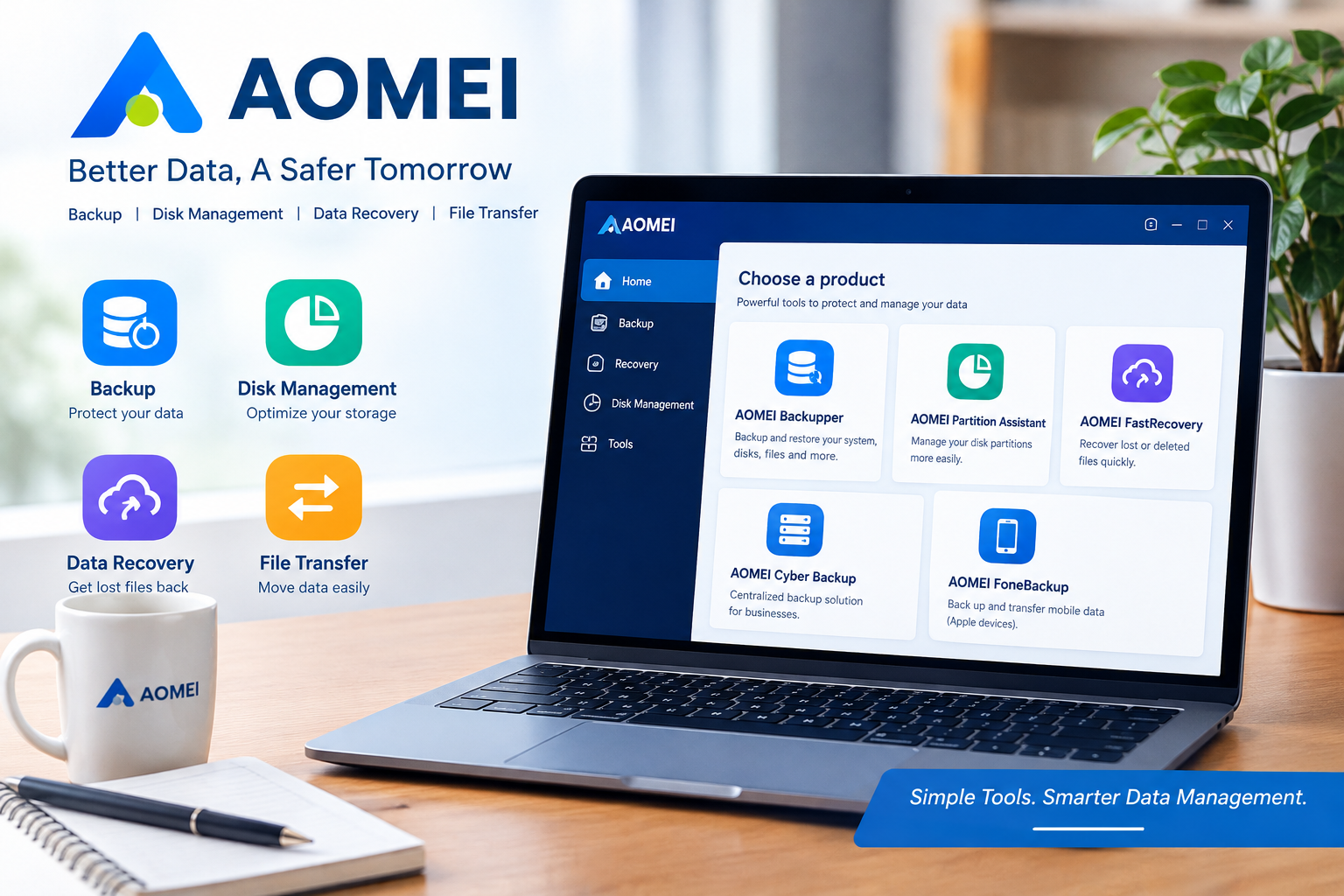
AOMEI is a software company that provides tools for computer backup, disk management, data recovery, and file transfer. Its products are designed to help individuals, professionals, and businesses protect important files, manage storage, and maintain their digital information.
The official website, AOMEI, offers several software solutions for Windows computers, business servers, and mobile devices. Depending on the product, users can back up files, clone hard drives, organize disk partitions, or recover deleted data.
Key Features of AOMEI
AOMEI offers different products for specific computer management needs. Here are some of its main solutions.
1. AOMEI Backupper
AOMEI Backupper is a backup and synchronization tool for Windows PCs and servers. It helps users create backups of files, partitions, disks, and operating systems.
Its features can be useful for protecting personal documents, business files, and other important information. Some editions also provide disk cloning and system recovery options.
2. AOMEI Partition Assistant
AOMEI Partition Assistant helps users manage hard drives and SSDs. It includes tools for resizing, moving, merging, creating, and deleting disk partitions.
This software can be useful when a computer’s system drive is running out of space or when someone wants to upgrade from a traditional hard drive to an SSD. Advanced features, such as operating system migration, depend on the edition selected.
3. AOMEI FastRecovery
AOMEI FastRecovery is designed to help recover deleted or lost files from Windows computers. It may be useful after accidental deletion, formatting, or certain data-loss incidents.
However, successful recovery is not guaranteed. If you lose important files, avoid saving new data to the affected drive before attempting recovery.
4. AOMEI Cyber Backup
AOMEI Cyber Backup provides centralized backup management for business environments. It supports workloads such as Windows systems, virtual machines, and Microsoft SQL databases.
This solution may suit organizations that need to manage backups across multiple systems rather than relying on separate manual processes.
5. AOMEI FoneBackup
AOMEI FoneBackup provides tools for transferring and backing up mobile data, particularly for Apple devices. It can help users manage photos, videos, contacts, and other supported information between mobile devices and computers.
Product availability and supported features may vary by operating system and edition.
Benefits of Using AOMEI
There are several reasons to consider AOMEI software.
- Data protection: Backup tools help reduce the risk of losing important files.
- Storage management: Partition tools make it easier to organize available disk space.
- Disk upgrades: Cloning features can simplify moving data to a larger drive or SSD.
- Multiple solutions: Users can choose separate tools for backup, recovery, and device management.
- Free options: Some products offer free editions, allowing users to explore basic features before purchasing an upgrade.
These benefits depend on the software and license you choose. Always check the official product page for the exact features included.
Is  Free?
AOMEI offers free editions of selected products, including AOMEI Backupper Standard and AOMEI Partition Assistant Standard. Some advanced features require a paid edition.
Pricing varies by product, license type, and promotional offer. For example, professional versions may include additional system cloning, operating system migration, or business management features.
Before buying, compare the available editions and check whether the license covers your intended use. Visit the official AOMEI website for current pricing and product details.
Who Should Use AOMEI?
AOMEI may be a good option for:
- Home users who want to back up personal files and protect their computers.
- Students and professionals who need to organize disk storage or migrate to an SSD.
- Small businesses that want to create regular backups of important work files.
- IT technicians who manage computers and need disk management or backup utilities.
- Organizations that require centralized backup solutions for supported business systems.
It may be less suitable for users who only need basic computer functions and do not require additional backup or disk management software.
Pros and Cons of AOMEI
Pros
- Offers several useful computer management tools.
- Provides free editions of selected products.
- Supports backup, disk cloning, and partition management.
- Includes solutions for personal and business users.
- Offers different editions for different requirements.
Cons
- Some advanced features require paid licenses.
- The number of products and editions may confuse beginners.
- Data recovery results depend on the condition of the storage device.
- Users must check system compatibility and licensing restrictions before purchasing.
Is AOMEI Worth It?
AOMEI is worth considering if you need practical tools for backing up files, managing disk partitions, cloning drives, or handling certain data recovery situations.
Its main advantage is the variety of products available for different computer management tasks. However, the best choice depends on your needs. A home user may only require a free backup tool, while a business or IT professional may benefit from more advanced features.
Before making a purchase, compare the available editions, review system requirements, and create a backup before making significant changes to your disk partitions.
Frequently Asked Questions
Is AOMEI safe to use?
AOMEI provides software designed for backup and disk management. Download it from the official website, check system compatibility, and back up important data before performing major disk operations.
Does AOMEI offer free software?
Yes. Selected products have free editions, although some advanced features require a paid license.
Can AOMEI clone a hard drive?
Yes. Certain AOMEI products and editions support disk cloning. Check the specific product’s feature list before choosing a license.
Can AOMEI recover deleted files?
AOMEI FastRecovery is designed to recover certain lost or deleted files. Recovery depends on the circumstances and whether the original data has been overwritten.
Where can I download AOMEI?
Visit the official AOMEI website to explore products, compare editions, and access official downloads.
Final Verdict
AOMEI offers a broad collection of software for data backup, disk management, drive cloning, and recovery. Its range of tools makes it a useful option for home users, professionals, and businesses with different storage and data protection needs.
If you want to protect important files or manage your computer’s storage more effectively, explore the available AOMEI products and choose the edition that matches your requirements.
Ready to explore AOMEI? Visit the official website to review its software, compare features, and find the right solution for your computer.